QuickScale 4
Download on the App StoreResize many pictures in seconds
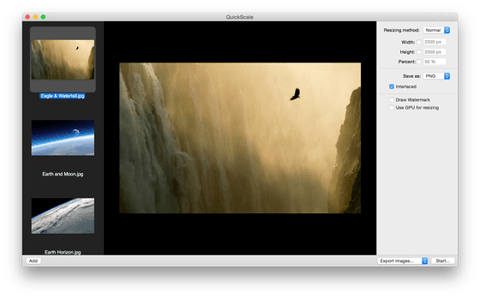
Quickscale is designed to let you resize a large amount of pictures to a desired size and format.
Now, why would you want to do that? For example, if you wish to share your holiday photos with family and friends, you can either send them by e-mail or put them somewhere on a website.
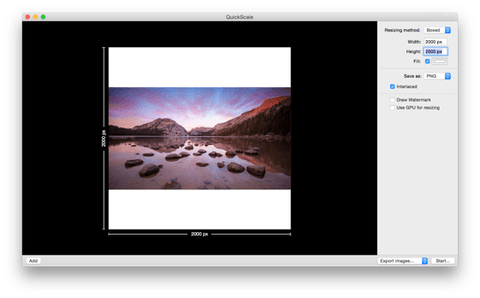
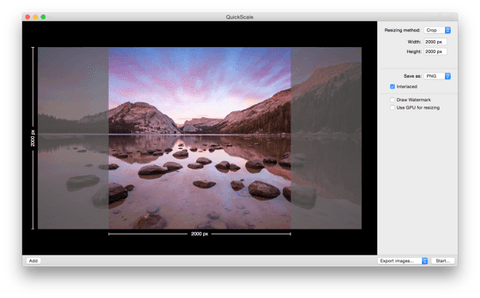
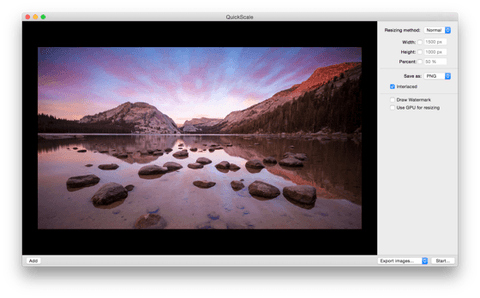
Choose from 4 different scaling-methods
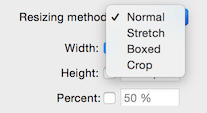
For every job, you might have different requirements... do the images have to fit in a maximum size, or do they have to be stretched in this size? If you want all your images to have the exact same size but you don't want to stretch them, try to Crop- or Box-scaling. QuickScale will show a live preview of the selected method.
How do you want to save the images?
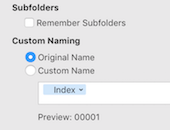
QuickScale allows you to export all images to a new location. You have the option to preserve the subfolders of the source folder, in case you have a hierarchical folder structure. Want to replace the old images with the new images? Simply use the overwrite option. Quick and easy :)
Change the filetype
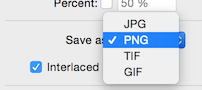
Another feature is the possibility to convert images to another filetype, for example to JPG, PNG, TIFF or GIF. Beside the filetype, you can also set the quality or transparency, pending on the selected filetype.
More features

Scale many pictures
QuickScale is designed to scale a bunch of images at the same time

Fast scaling
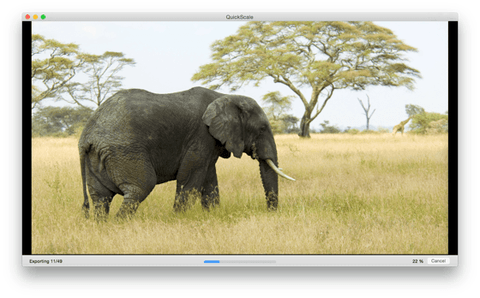
QuickScale is optimized for Mac OS X to scale a lot of images fast and efficient

Simple and easy interface
With a simple and clean interface, QuickScale shows you its possibilities and features in a blink

Put watermarks on your photos
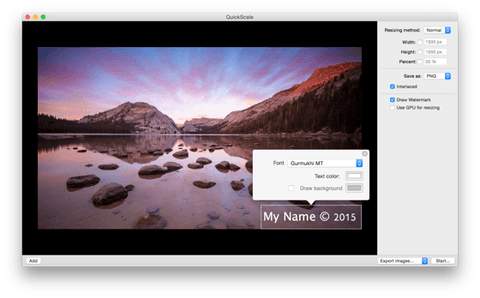
Want to mark your photos? QuickScale can burn a watermark on your images

Different scaling methods
QuickScale has multiple resizing methods, to ensure you can resize your images like you want it

Different filetypes
QuickScale can export your images to four different filetypes: JPG, PNG, TIFF and GIF

Automated image naming
Want to give exported images logical names? QuickScale can help.

Presets
Don't waste time with changing settings to different sizes over and over again